Web Speech API is not supported by this browser. Install Google Chrome.
Voice input also works in Safari, Yandex, as well as mobile browsers Huawei, Opera and Samsung..
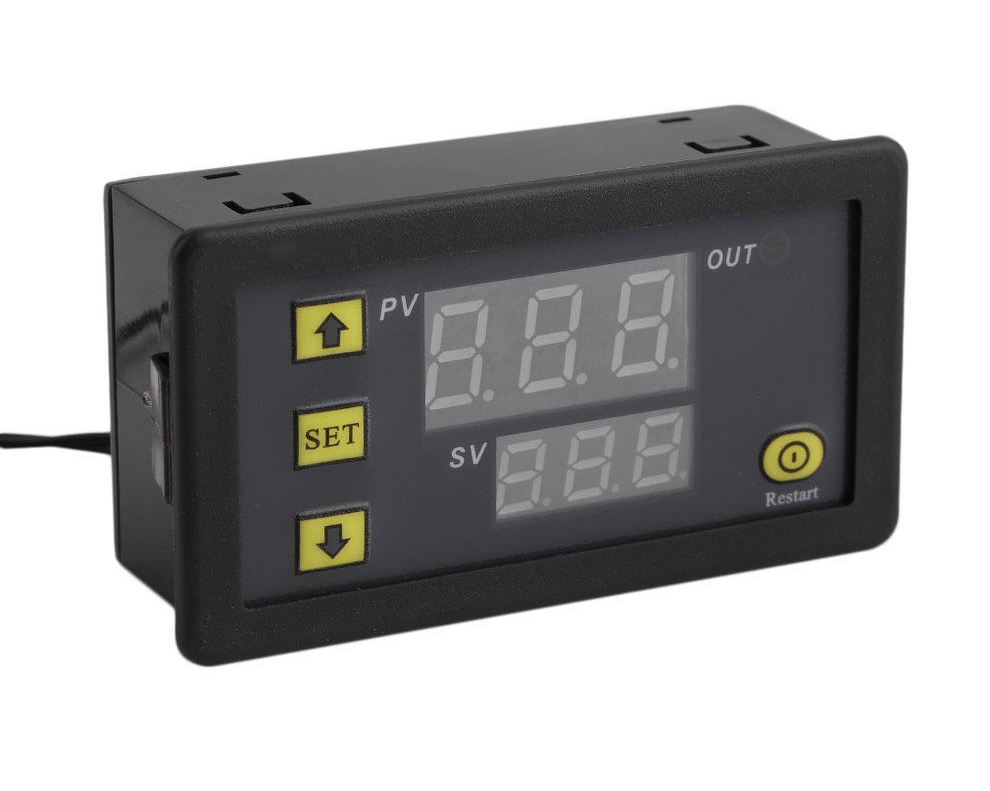
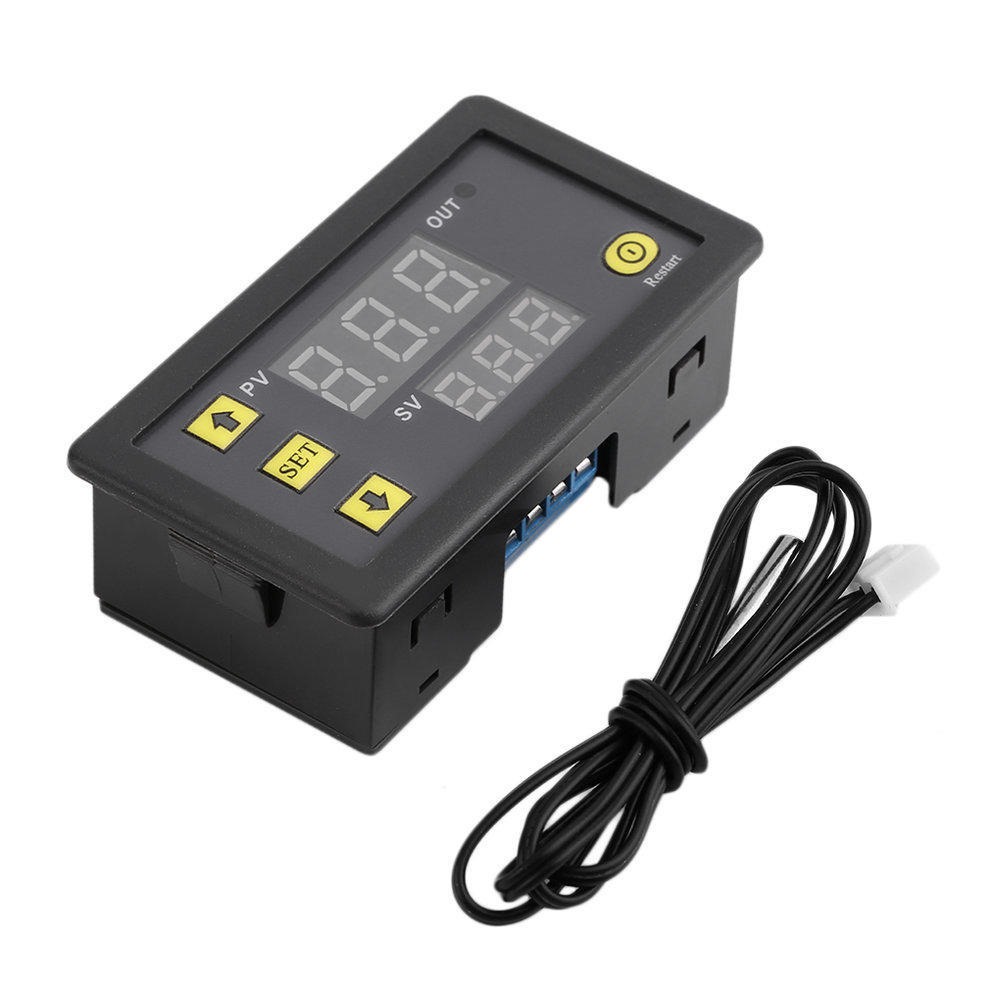
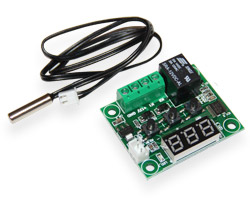
The W3230 electronic thermostat measures and automatically maintains the temperature of the working environment within specified limits by turning on or off external heating (heating element, oven, heater) or cooling (freezer, fan, Peltier module) units.
The thermostat actuator is a two-position relay for 1 channel. The relay has two positions: default closed contacts and default open contacts.
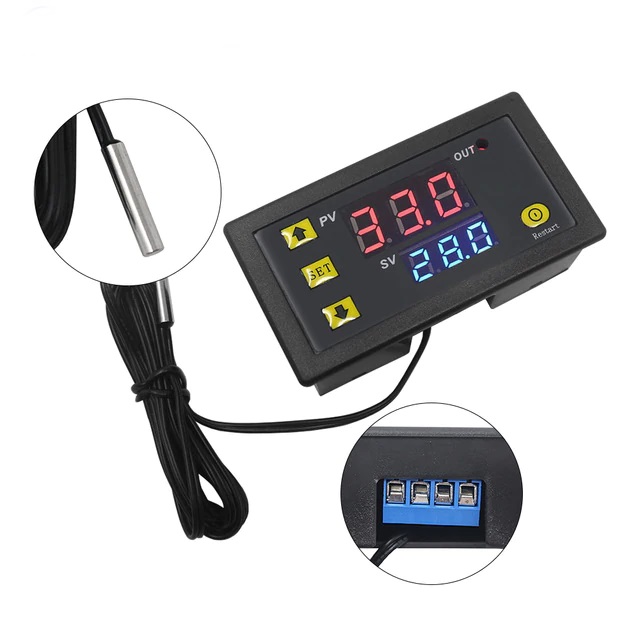
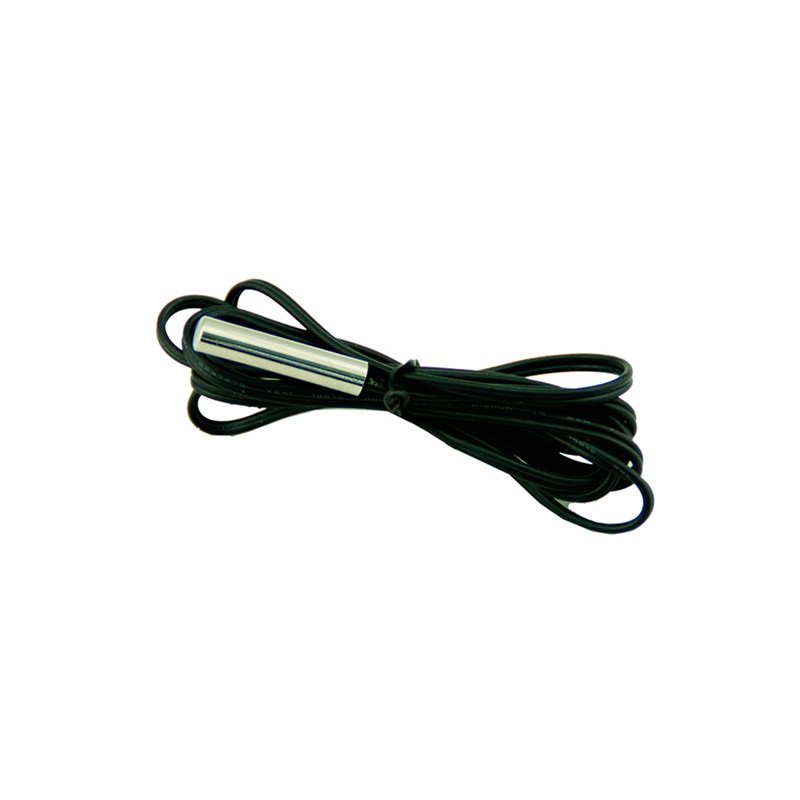
The sensor is a 10kOm NTC thermistor in a waterproof sleeve. The length of the sensor with wire is 50 cm.
There is temperature calibration and hysteresis adjustment.
Capacitor power supply inside.
Key Features:
Supply voltage: AC 220V
Measuring temperature range: -50°C ~ 120°C
Temperature measurement accuracy:
in the range -9.9 °C to 99.9 °C: 0.1 °C
other temperature ranges: 1 °C
Hysteresis step: 0.1°C
Temperature step: 0.1°C
Measuring input, sensor type: NTC 10 kOm 0.5% 50 cm waterproof version
Display type: seven segment LED display
Update period: 0.5 s
Relay output: 1 channel 20A 14VDC, 5A 250V
Working environment: -10~60℃, humidity 20%-85%
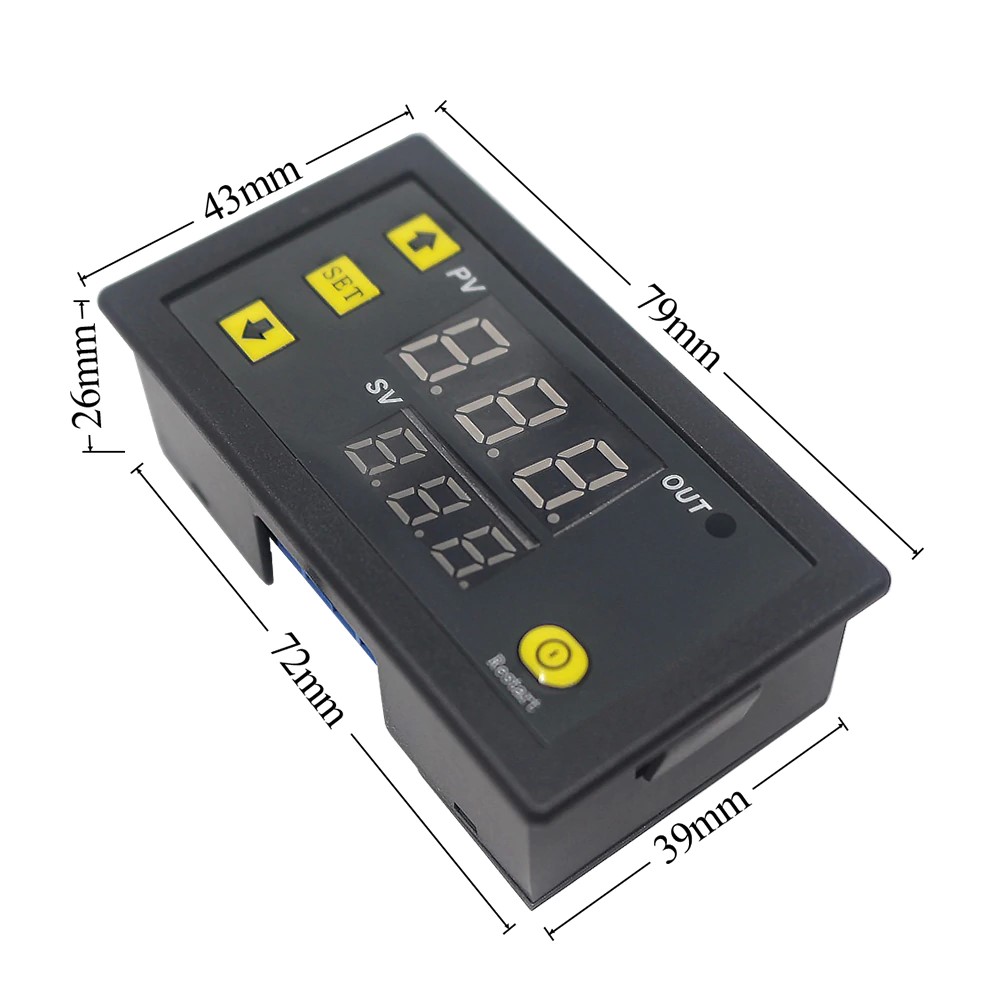
Dimensions: 79x43x26 mm
For installation in a window: 74x39 mm
Connection, indication and setting of the thermostat.
Connection and temperature setting:
Connect power to the ~ terminals. The top display will show the current sensor temperature. At the bottom is the set point.
Briefly press the "SET" button. The lower display will flash. You are in the mode of setting the set temperature for switching off (on) the relay.
Use the "+" or "-" buttons to set the required temperature.
Briefly press the "SET" button to save the settings.
If the symbols “E2” are displayed on the display when turned on or in operating mode, check the sensor connection, the cable may be broken.
Advanced thermostat settings:
Connect power.
Press the "SET" button and hold it for at least 5 seconds. The display will show one of the characters "P0" - "P8". You are in settings mode.
Use the "+" or "-" buttons to select one of the parameters P0-P8.
Briefly press the "SET" button. You are in parameter editing mode.
Use the "+" or "-" buttons to set the parameter.
Briefly press the "SET" button. You have exited parameter editing mode. The parameter is saved.
To exit the parameter setting mode, press the "SET" button and hold it for at least 5 seconds.
The display will show the current temperature on the sensor.
Parameter table:
Parameter
Description
Range
settings
Factory
settings
P0
Heating/cooling
C/H
C
P1
Hysteresis setting
0,1-30 °C
2 °C
P2
Maximum setpoint temperature
-50..+120 °C
120 °C
P3
Minimum setpoint temperature
-55..+120 °C
-55 °C
P4
Temperature correction
-10,0..+10,0 °C
0
P5
On time delay
0-10 minutes
0
P6
Temperature alarm
-55..120 °C
off
Parameters P7 and P8 are duplicate. May not be used.
To reset the settings to factory settings, in the settings mode, press and hold for at least 10 seconds. buttons "+" and "-" simultaneously.
P0 - sets the operating mode for cooling or heating (“C” or “H”).
P1 - sets the hysteresis parameter. (The difference between the temperature at which the thermostat turns the load on and the temperature at which it turns it off again is called hysteresis. Without this hysteresis, the thermostat would turn the load on and off almost every second.)
P4 - sets temperature correction. (This parameter is used when the sensor has a long cable and the additional cable length affects the true value of the temperature read.) The sensor can be calibrated, for example, by the boiling point of water 100°C
P5 – sets the device start delay from 0 to 10 minutes.
P6 - sets a high temperature alarm (relay turns off and displays "---" when the temperature reaches the value set in this parameter).
Leave your feedback or ask a question
Only this product is discussed here. Off topic comments will be deleted! Please follow the Commenting Rules.
The data presented in the product description are for reference only and may differ from those indicated by the manufacturer.
To carry out technical calculations and obtain the exact parameters of the goods, use the datasheets from the manufacturer's website.
If you need additional information, or you found an error in the description, or have other questions about this product, then our manager will help you: Денис - Днепр
unknown