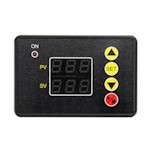
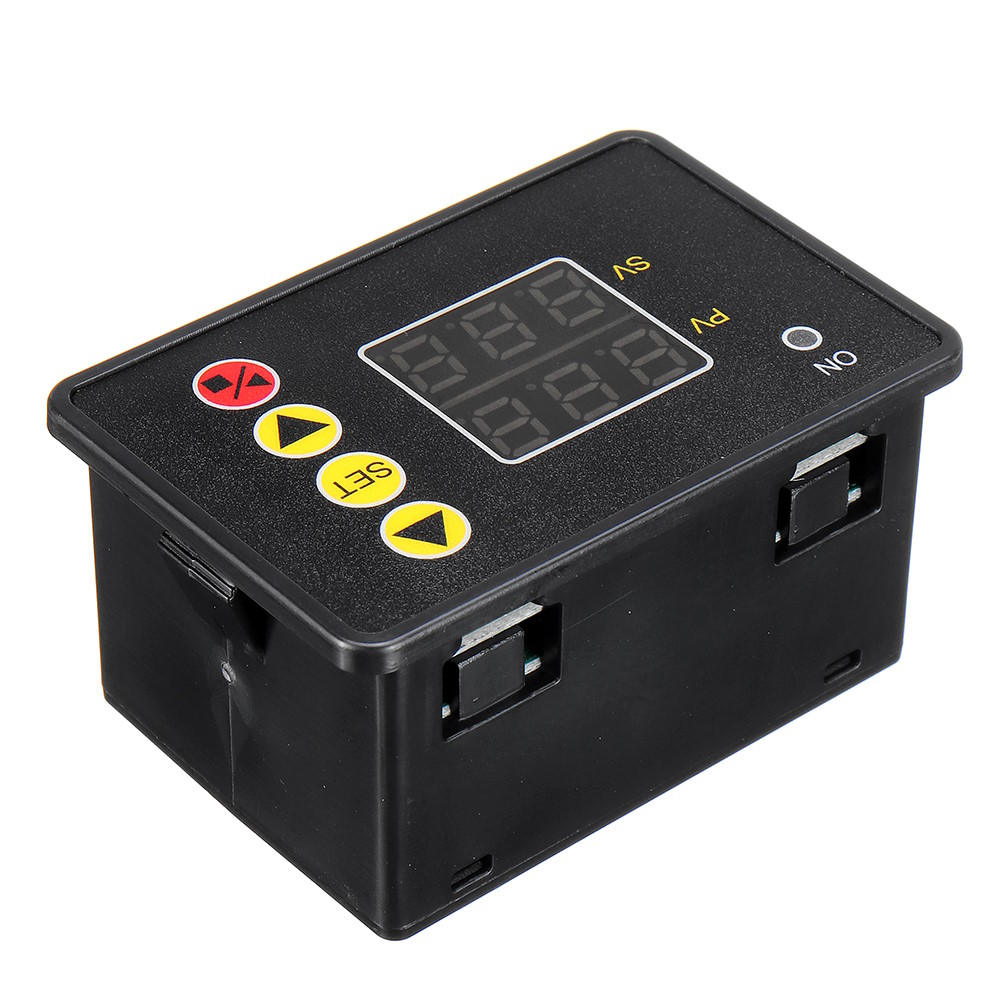
The T2310 digital programmable timer is a versatile time relay module designed for automatic control of electrical devices and equipment according to preset time intervals. It allows you to configure switch-on delays, operating times, pauses between cycles, and the number of repetitions.
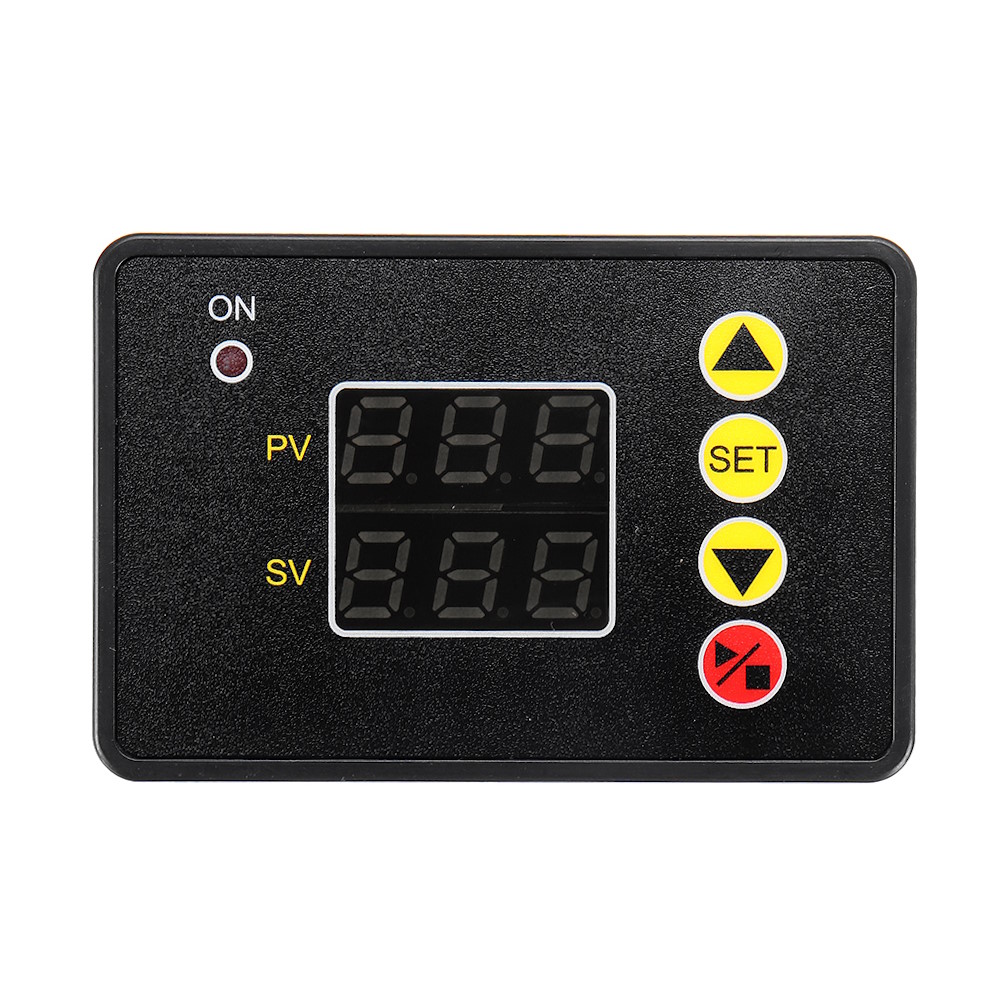
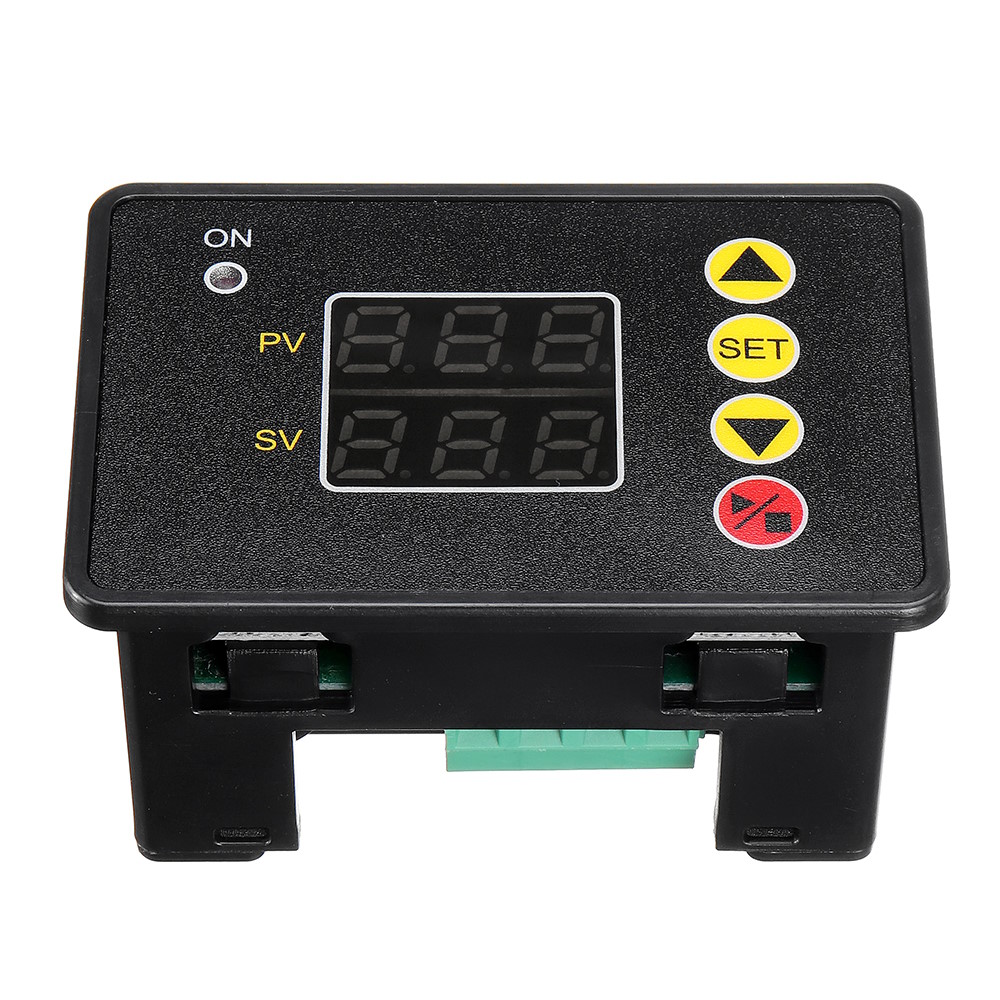
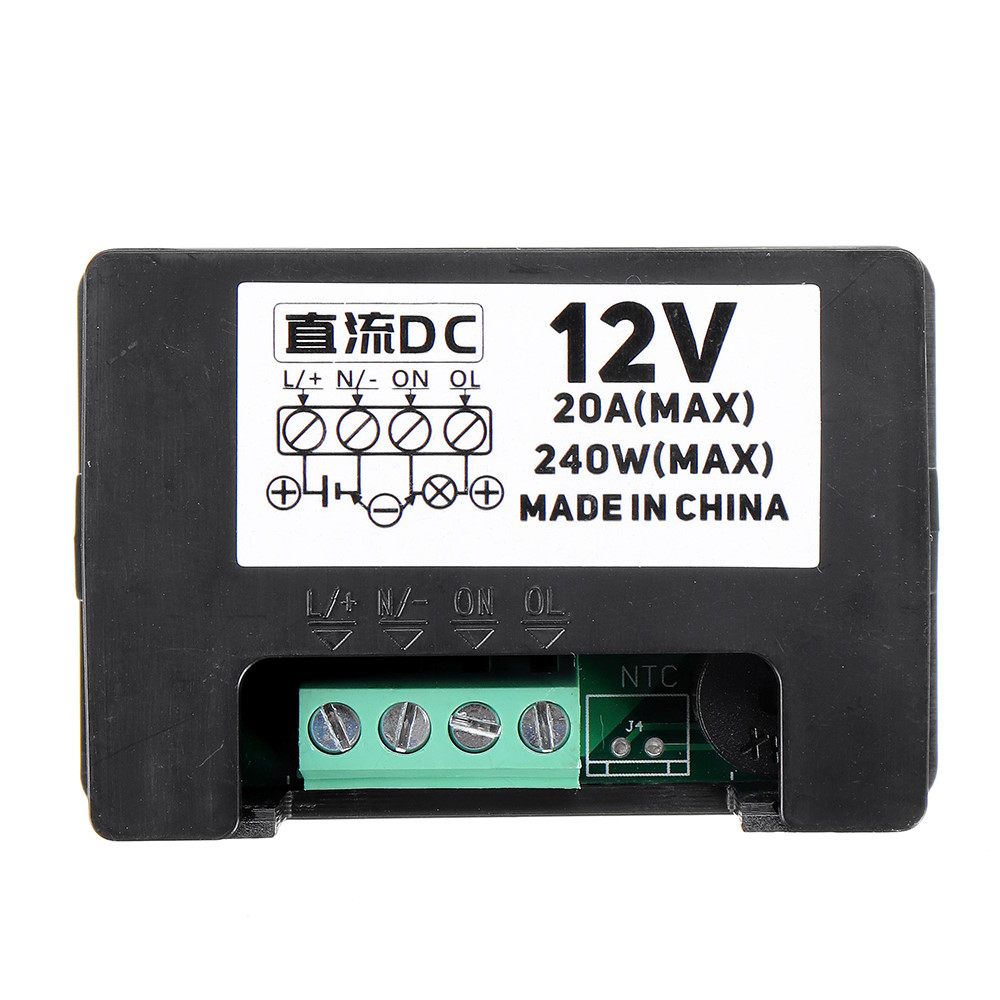
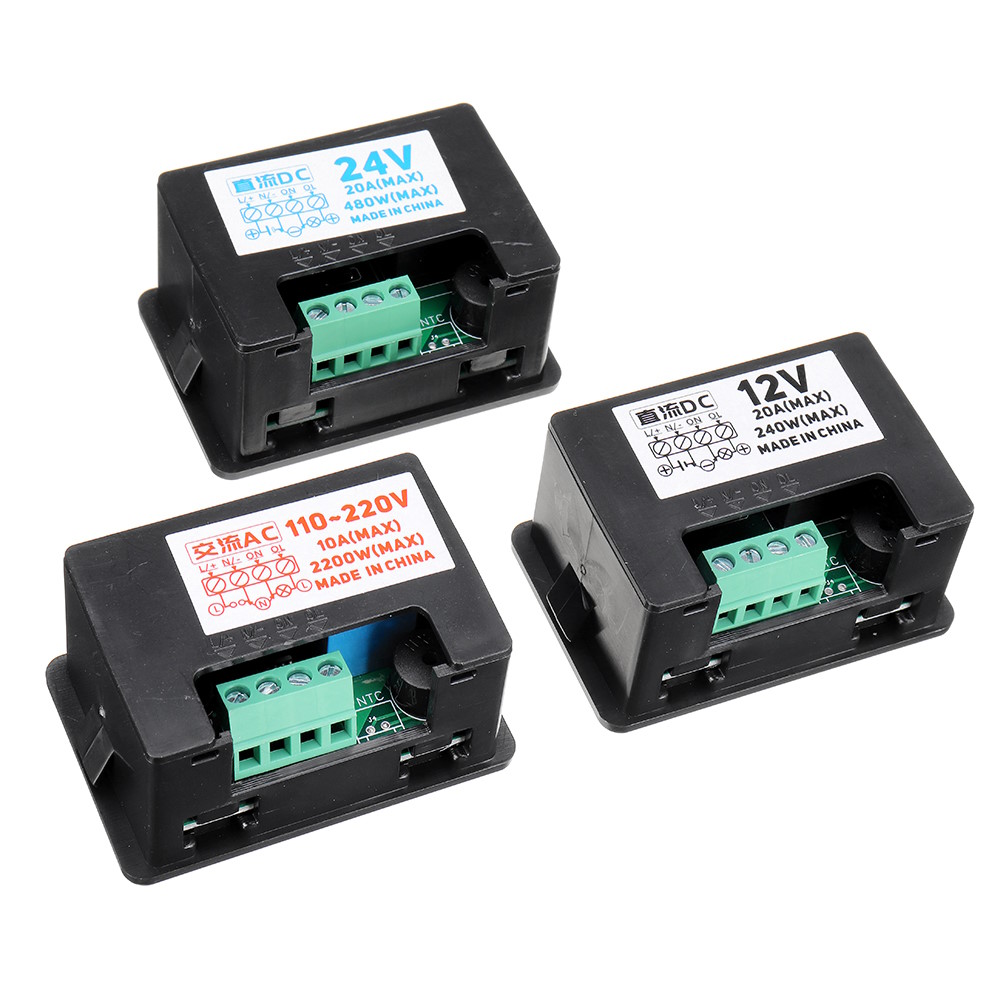
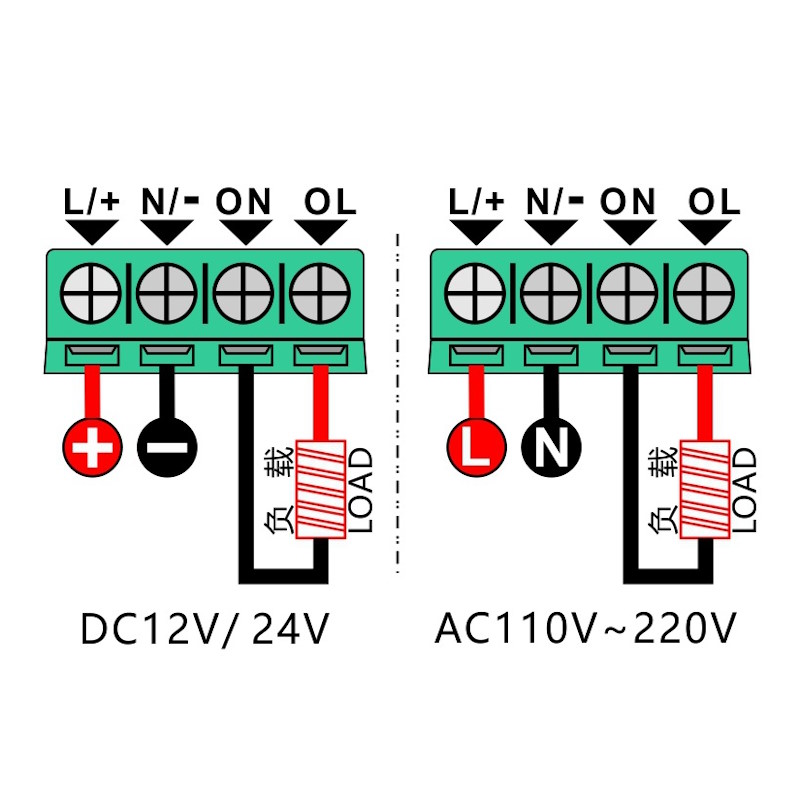
The module operates from a 12V DC power supply and features a digital display and control buttons. The built-in electromechanical relay switches loads with a current of up to 20A and a power rating of up to 240W.
The controller supports 6 main operating modes, including single operation, delayed activation, and cyclic switching of the connected load. Operating time and pause duration can be configured independently. You can also select the number of cycles or enable continuous repetition.
Additional features include automatic startup after power is applied, manual startup, settings retention, and button lock.
Main Features:
- 12V DC power supply.
- Digital display with two rows of indicators.
- Convenient push-button configuration.
- Built-in electromechanical relay.
- Maximum switching current: up to 20A.
- Maximum switching power: up to 240W.
- 6 programmable operating modes.
- Time settings in seconds, minutes, or hours.
- Independent adjustment of two time intervals.
- Adjustable from 1 to 999 cycles or continuous repetition.
- Automatic or manual program startup.
- Program stop and resume function.
- Control button lock.
- Automatic settings storage after power disconnection.
- Automatic startup using saved settings when power is restored.
Technical Specifications:
- Model: T2310
- Device type: Digital programmable timer, time relay
- Supply voltage: 12V DC
- Output type: Electromechanical relay
- Relay marking: 14V DC, 20A
- Maximum switching current: Up to 20A
- Maximum switching power: Up to 240W
- Operating modes: 6
- Time setting range: 0–999 seconds / minutes / hours
- Number of cycles: 1–999 or continuous repetition
- Control: Push buttons
- Display: Two-row digital display
- Housing material: Plastic
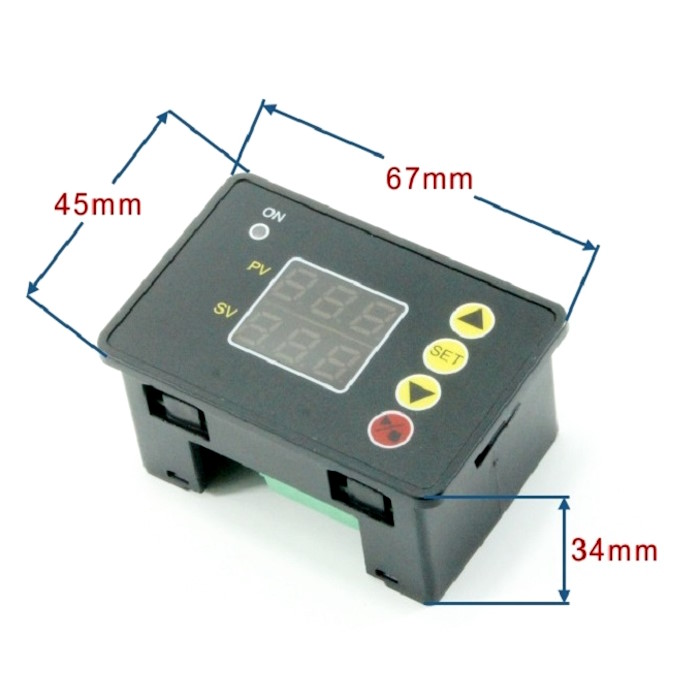
- Dimensions: 67 × 45 × 34 mm
- Weight: 65 g
Operating Modes
The T2310 timer offers six programming modes for configuring different control algorithms for connected equipment.
Mode P2 = 0 — Delayed Activation (Single Operation)
After power is applied, the preset delay countdown begins. When the countdown is complete, the relay switches on. This mode is suitable for equipment that needs to be activated after a specified delay.
Mode P2 = 1 — Activation Followed by Deactivation (Single Operation)
After startup, the relay switches on immediately. The connected load switches off when the preset time expires.
Mode P2 = 2 — Delay, Activation and Repeated Delay
Operation begins with a pause, after which the load is switched on. The next time interval then follows. The cycle repeats while power is supplied to the module.
Mode P2 = 3 — Activation, Pause and Repeated Activation
The relay switches on first. After the preset operating time expires, it switches off for the configured interval. The sequence then repeats cyclically.
Mode P2 = 4 — Cyclic Delay Before Activation
A preset delay is executed first, after which the relay switches on. The sequence repeats cyclically.
Mode P2 = 5 — Cyclic ON/OFF Operation
The relay first switches on for the preset duration and then switches off for the configured interval. The cycle repeats continuously or for a specified number of repetitions.
Programming Parameters P0–P5
The controller has six additional parameters that define the timer's operating logic.
| Parameter | Description |
|---|
| P0 | First time interval unit: 0 — seconds, 1 — minutes, 2 — hours. |
| P1 | Second time interval unit: 0 — seconds, 1 — minutes, 2 — hours. |
| P2 | Selection of one of six operating modes (0–5). |
| P3 | Number of cycles: OFF — continuous repetition, 1–999 — specified number of cycles. |
| P4 | Startup method: ON — automatic, OFF — manual. |
| P5 | Button lock: ON — enabled, OFF — disabled. |
The first and second time intervals can be configured independently. For example, the operating time can be set in seconds and the pause duration in minutes.
Setup Instructions
1. Entering the Settings Menu
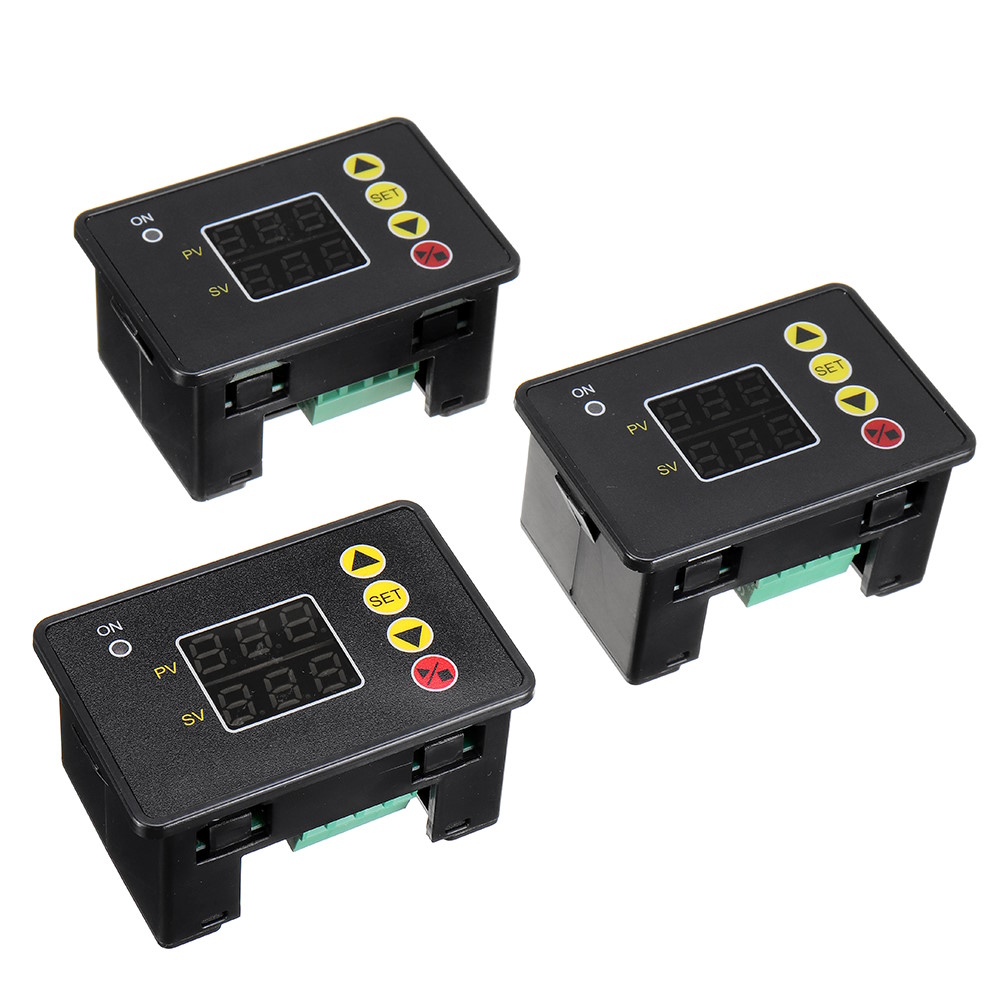
On the normal display screen, press and hold the SET button for 10 seconds to enter parameter programming mode.
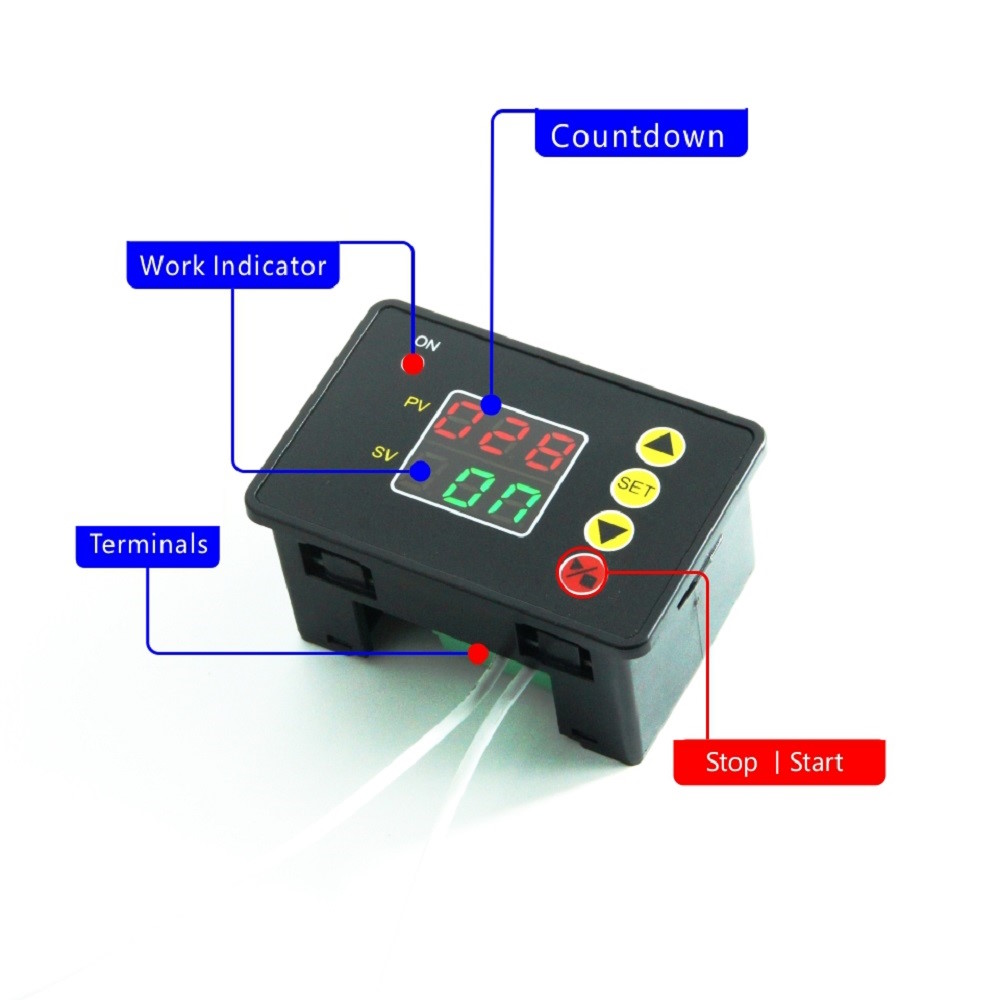
- The red digital indicator displays the parameter code.
- The green digital indicator displays the parameter value.
- Briefly press SET to switch between parameters.
- Use the UP and DOWN buttons to change parameter values.
2. Configuring Parameters
Select the required P0–P5 values according to the desired operating algorithm.
After completing the configuration, wait 10 seconds. The settings will be saved automatically.
3. Setting the Time Intervals
On the normal display screen, press the SET button twice.
- The red indicator starts flashing. Use the UP and DOWN buttons to set the first time interval.
- Press SET. The green indicator starts flashing.
- Use the UP and DOWN buttons to set the second time interval.
- Wait 10 seconds for the settings to be saved automatically.
4. Stopping and Resuming the Program
Double-pressing the START/STOP button allows you to pause the program or resume its operation (if this button marking is present on the particular module version).
5. Resetting the Settings
To restore the factory settings, press and hold the SET button while applying power to the module.
Application Example: Automatic Water Pump Control
Suppose you need to configure the pump to operate according to the following sequence:
- The pump runs for 10 seconds.
- The pump switches off for 50 seconds.
- The cycle repeats continuously.
| Parameter | Value |
|---|
| P0 | 0 — seconds |
| P1 | 0 — seconds |
| P2 | 5 — ON → pause (cyclic operation) |
| P3 | OFF — continuous repetition |
| Operating time | 10 seconds |
| Pause duration | 50 seconds |
After saving the settings, the pump will operate automatically according to the configured cycle.
Applications
- Automatic water pump control.
- Irrigation and watering systems.
- Fan and cooling system control.
- Lighting control.
- Incubators and brooders.
- Heating systems.
- Aquariums and terrariums.
- Household equipment automation.
- Periodic switching of electrical devices.
- DIY projects and automation systems powered by 12V.
Package Contents
- T2310 digital timer module — 1 pc.
Important! The module is designed for a 12V DC power supply. The maximum relay current is up to 20A, and the maximum switching power is up to 240W according to the manufacturer's markings. The actual permissible load depends on the type of device, inrush current, and operating conditions. Additional relay contact protection is recommended when connecting motors, pumps, and other inductive loads.










 The data presented in the product description are for reference only and may differ from those indicated by the manufacturer.