Auto power off if there is no hand contact for more than 15 seconds.
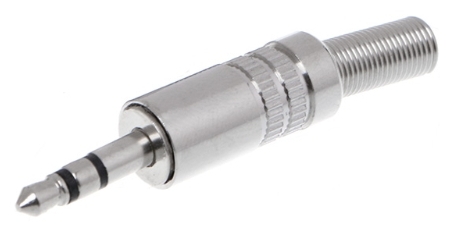
When connecting the soldering iron to the port, you need to slide your finger over the chrome patch. This will turn on the soldering iron. If within 15 seconds you do not repeat the touch, the soldering iron turns off.
This makes the soldering iron very convenient for small, short soldering or soldering with long breaks.
The soldering iron comes with a stand.
Only registered users can leave feedback and ask questions
The data presented in the product description are for reference only and may differ from those indicated by the manufacturer.
To carry out technical calculations and obtain the exact parameters of the goods, use the datasheets from the manufacturer's website.
If you need additional information, or you found an error in the description, or have other questions about this product, then our manager will help you: Ярослав
unknown